
Everyday Ink illustrations
A library of black-ink subjects for quick prints. Add a little art to any note.
Slipbridge turns it into a tiny press for recipe cards, morning briefs, tickets, labels, and love notes. Design them yourself, let AI help, or just ask your agent to print one.
Invite-only for now. Already in? Sign in
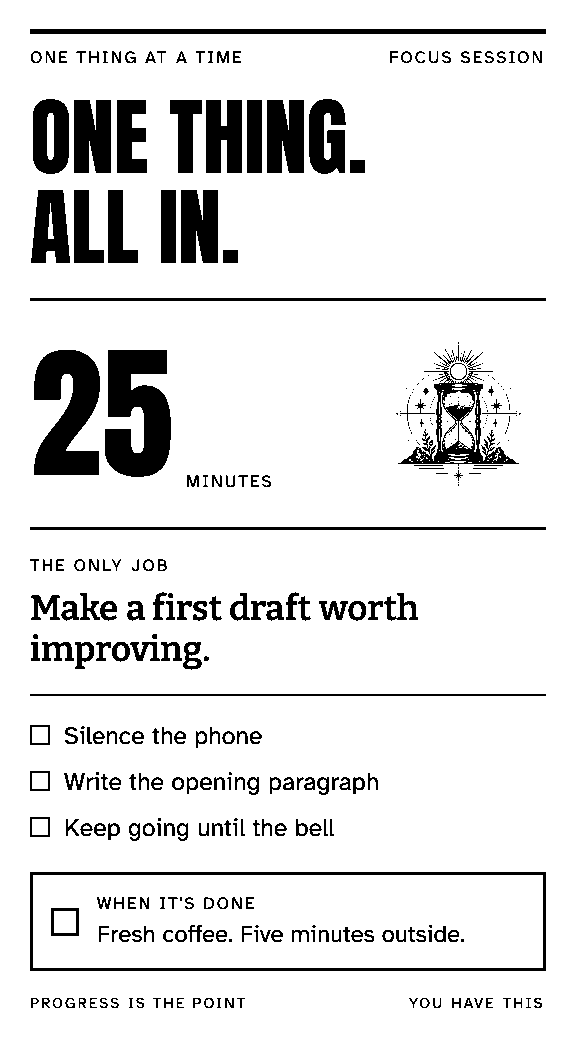
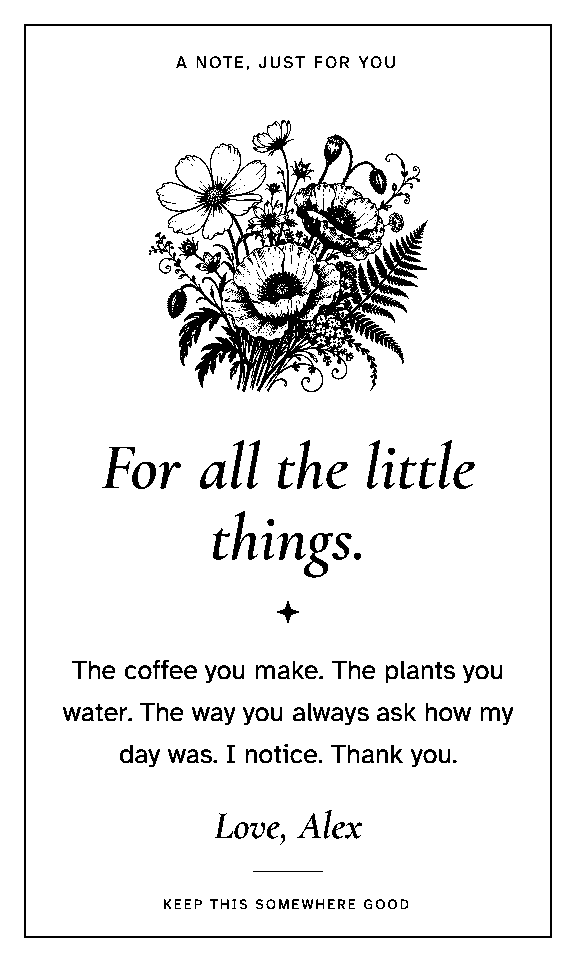
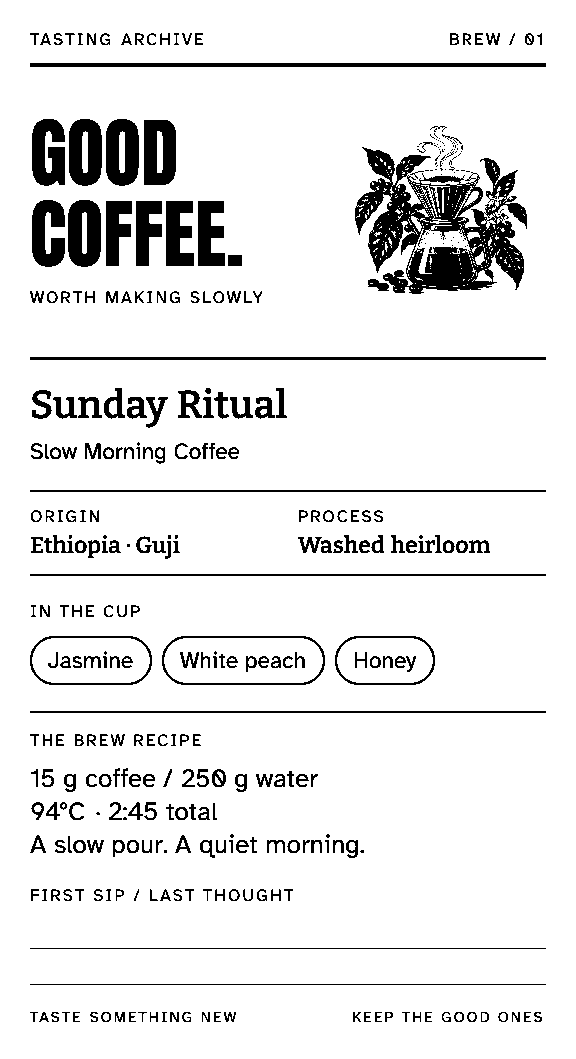
No mockups here. These are the exact black-and-white pixels Slipbridge sends to the printer, with original artwork and custom type, rendered by the production engine.
A personal front page for the day ahead.
Stationery-grade thank-yous.
The family recipe, worth keeping.
Tasting notes for the slow pour.
One thing. All in. 25 minutes.
A boarding pass for the weekend.
Watch small habits grow.
Make the invitation part of the fun.
A bookplate for every good book.
A note that makes someone’s day.
Ornate order for your shelves.
Close the week. Begin again.
Plus 26 quick everyday templates, from shopping lists to labels, and a 192-subject Everyday Ink illustration library for your own prints. How designed templates work
Grab a design from the library, start a blank layout, write a quick note, or drop in an image.
Edit the words and fields, swap the artwork, and watch the real preview update at your printer’s width.
Print now, or wire it to a schedule, a webhook, the API, or your AI agent. Every job lands in your print history.
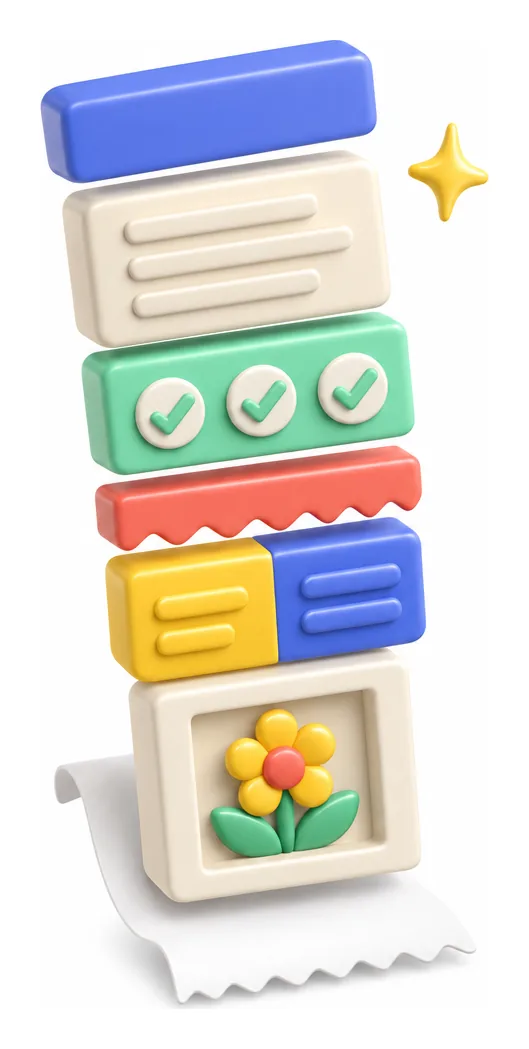
Stack headings, text, checklists, two-column rows, dividers, spacers, and artwork. Tune the typography, alignment, borders, and spacing, then add reusable fields so the layout stays put while the details change.
“A seed-packet garden checklist with a sunflower, bold title, room for six seeds.”
Nothing prints or publishes on its own. Editing, previewing, and printing never cost credits.
Slipbridge is a remote MCP server. Connect Claude Code, Codex, Cursor, VS Code, or any MCP client with one browser sign-in. Then ask for a grocery list, today’s plan, or a whole new template design.
Turn this recipe into a shopping list and print it in the kitchen.
list_printersKitchen · 80 mmpreview_stream14 itemscreate_jobqueuedget_jobprinted ✓Done. It’s on the kitchen printer. Butter’s at the top.
Every door creates the same kind of job, in the same ledger, with the same history. Queued, sent, printed, or failed, each step lands on a timeline.
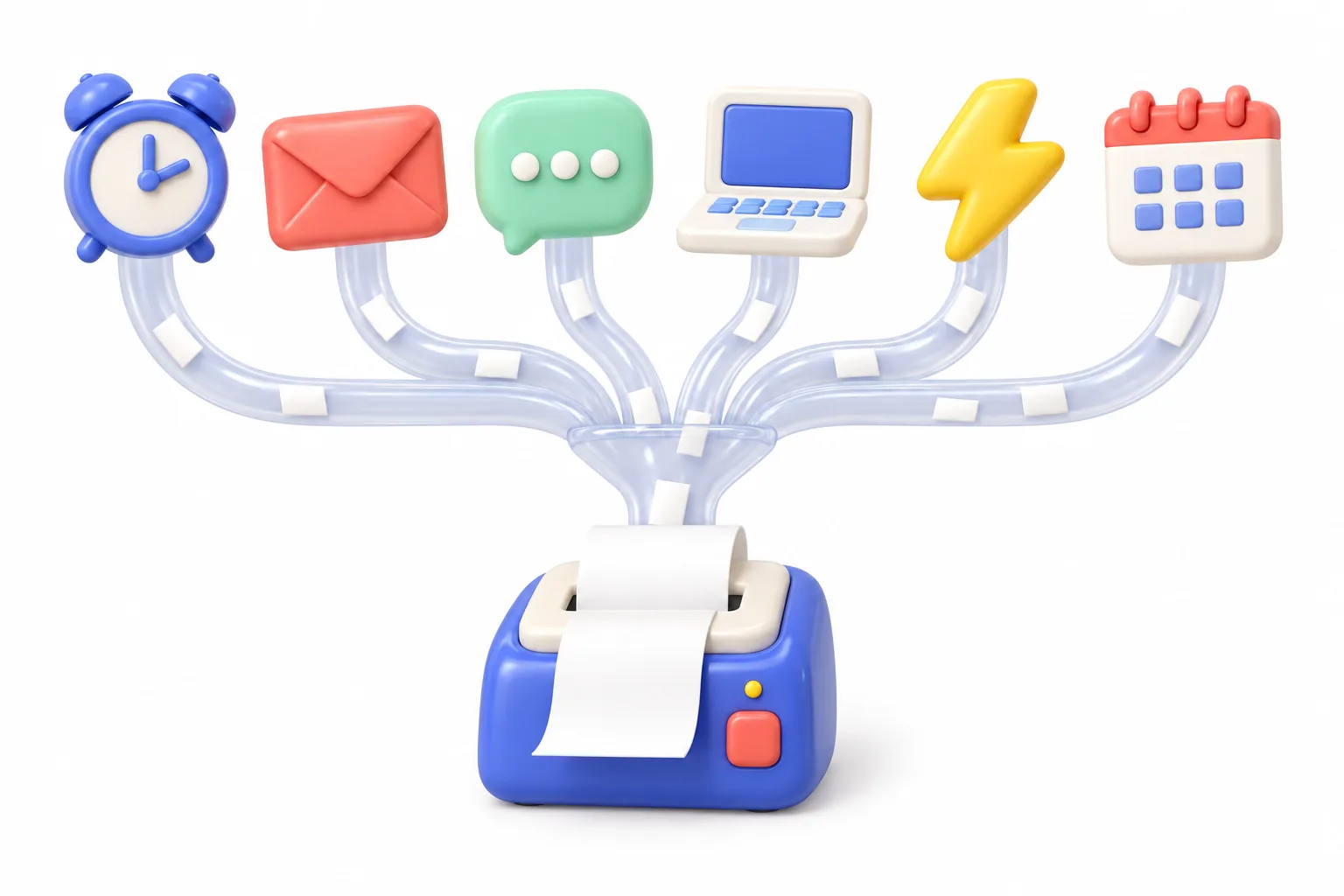
Fill in a template and hit Print. Or preview first. Your call.
Print now
One authenticated request with an idempotency key. Retries never double-print.
POST /api/v1/jobs
Your agent finds the printer, fills the template, and follows the job.
invoke_stream
A signed endpoint per template, so other apps can send the fields.
POST …/webhook
A cron expression and a time zone. Your morning brief, every morning.
0 7 * * *
A native menu bar app finds USB and network receipt printers, adds them in a single sheet, and keeps printing in the background, even after a restart.
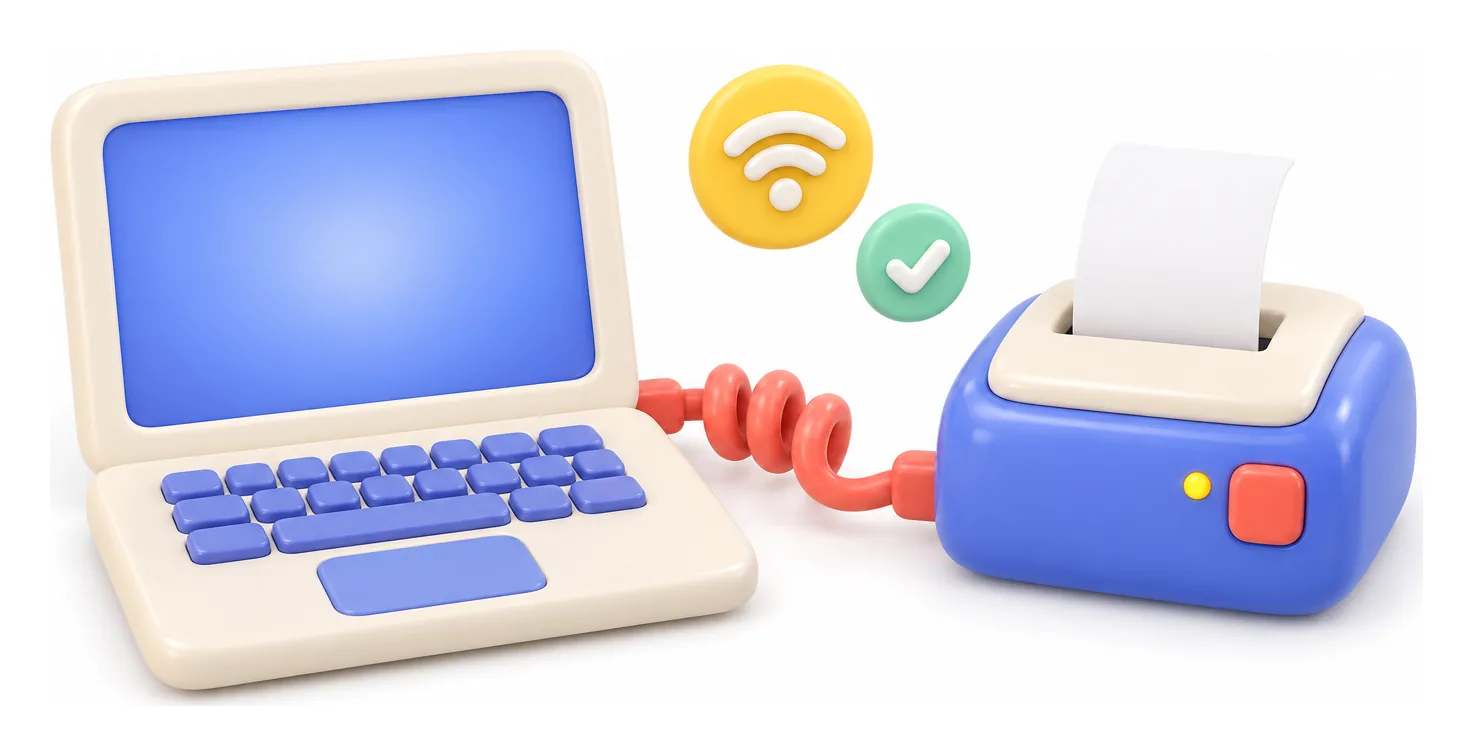
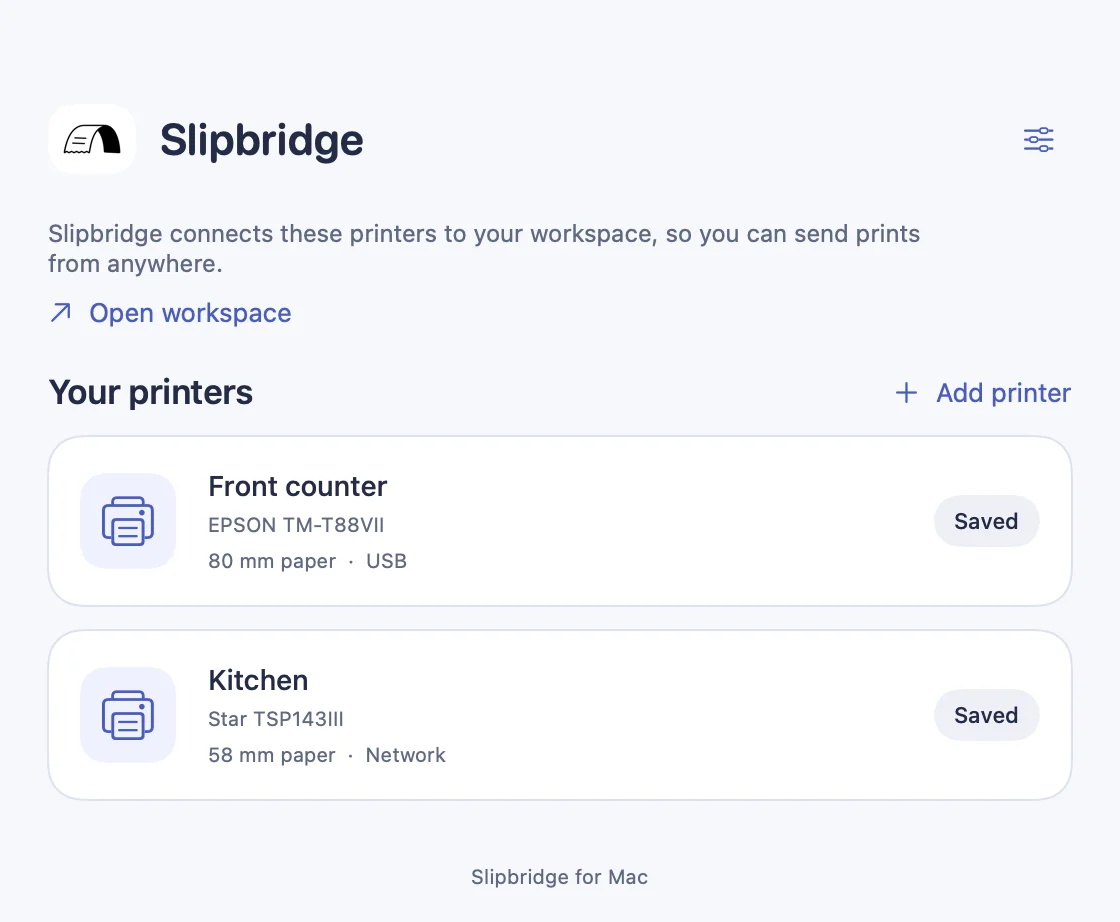
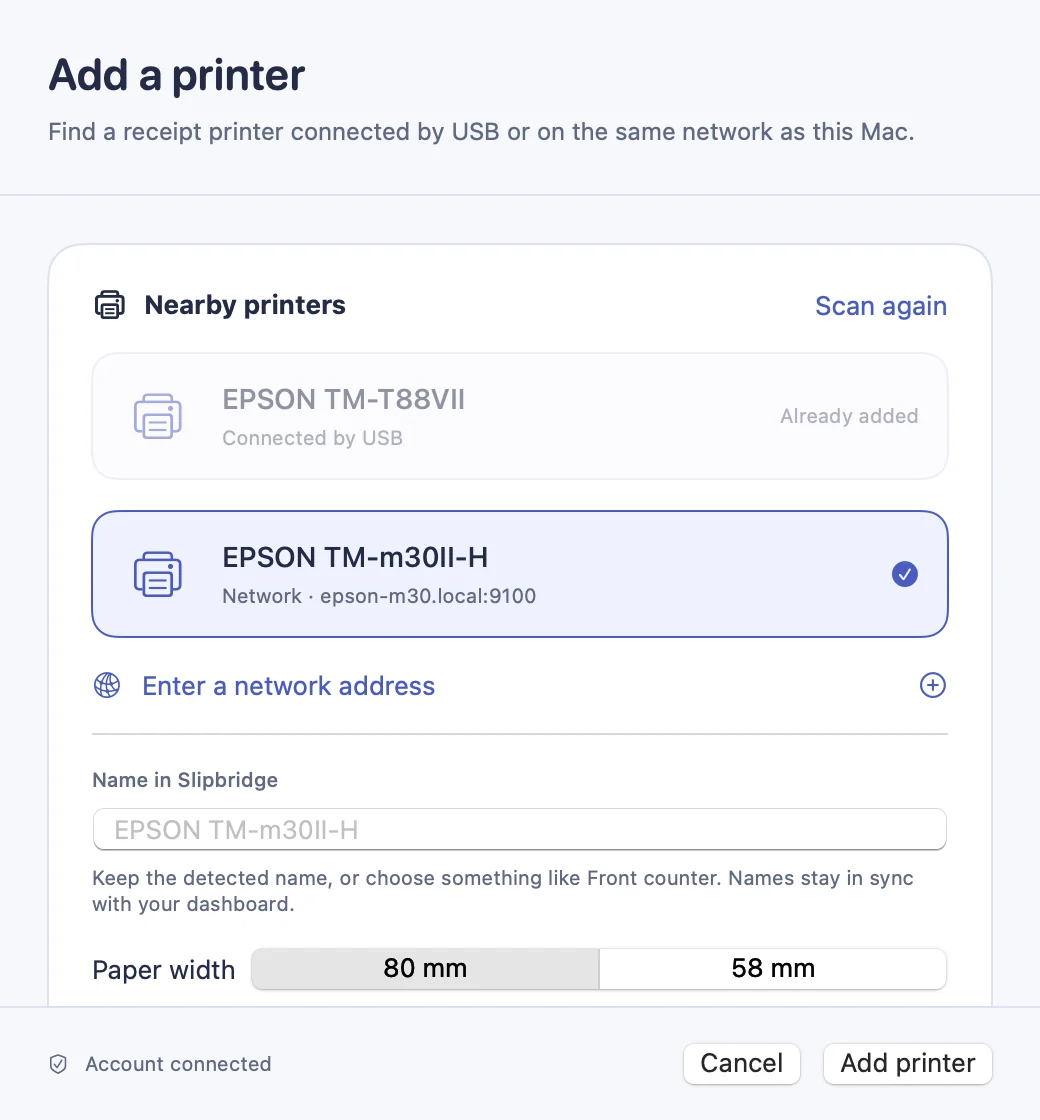
The CLI renders, queues, and talks ESC/POS. It connects Linux and other machines to the workspace, and prints local files with no account at all.
Meet the CLI# preview without paper
$ slipbridge render note.md --paper 80mm --output note.png
# or receive jobs from the workspace
$ slipbridge listenA library of black-ink subjects for quick prints. Add a little art to any note.
Bluebell, Rosewater, Coast, Wisteria, Apricot, Berry, Ink, and Evergreen.
Set it once in the dashboard or from your agent. Jobs without a printer go there.
“Printed” means the bytes reached the printer. Dry runs are labeled as simulated. Uncertain jobs say so.
Every feature works from the browser and from your agent, with the same permissions and limits.

Slipbridge is invite-only for now. Already have an account? Open the workspace to sign in.